Complementary Colors in UI/UX Design
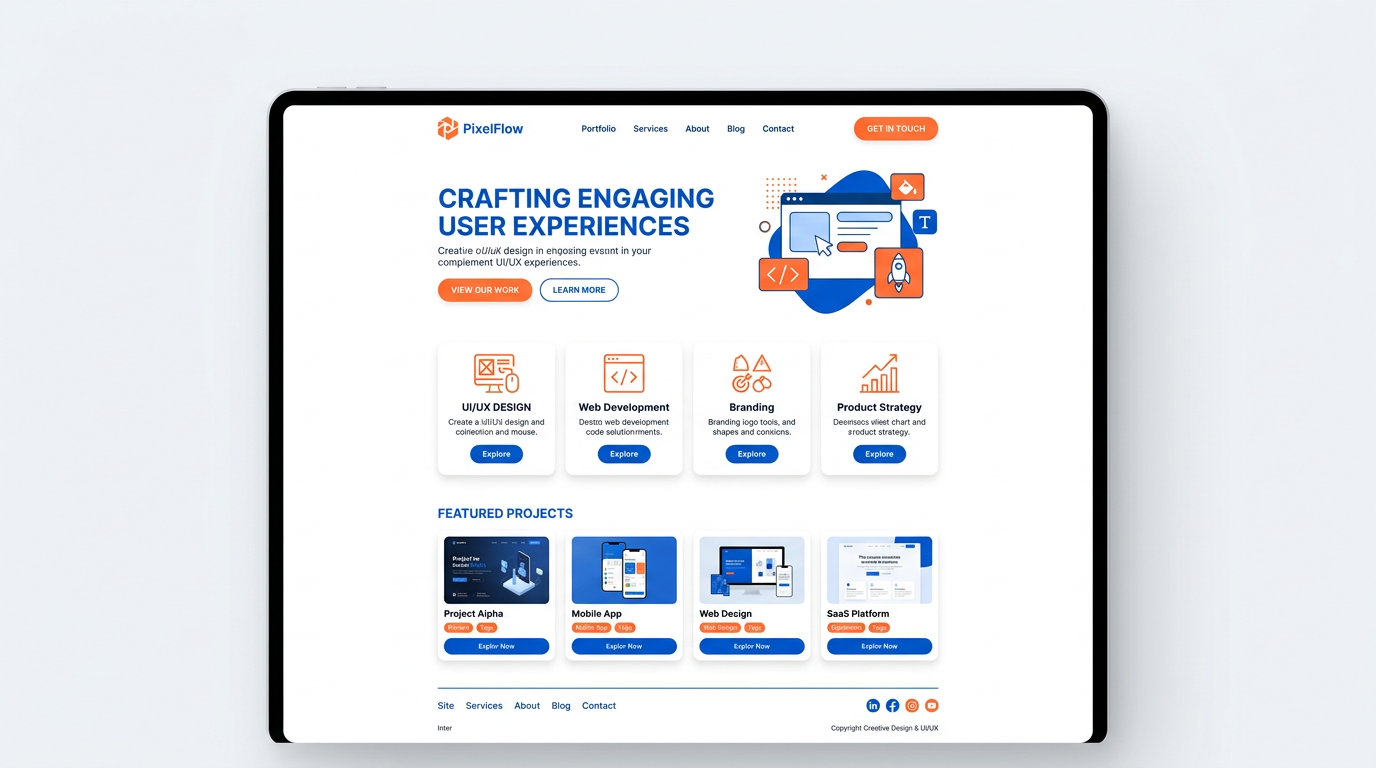
Complementary colors create strong visual hierarchy and draw attention to key elements in UI and UX design. Use one color as dominant and the other as accent for buttons, links, and CTAs. Blue and orange is the most popular pair—blue conveys trust, orange drives action. Ensure WCAG 2.1 contrast ratios for accessibility.
Why Complementary Colors Work in UI
Complementary colors sit opposite each other on the color wheel and create maximum contrast. This contrast helps users quickly identify interactive elements (buttons, links) and understand hierarchy. The warm-cool balance (e.g., blue + orange) adds depth without overwhelming.
Popular Pairs for UI
Blue and orange: trust + action. Used by many SaaS brands. Purple and yellow: creative, bold. Red and green: caution—avoid as sole differentiator due to color blindness. Use our color finder to get exact hex codes for any palette.
WCAG Contrast Guidelines
WCAG 2.1 requires 4.5:1 contrast for normal text, 3:1 for large text. Complementary pairs can meet these when you use appropriate tints and shades. Test with a contrast checker. Don't rely on color alone for critical information.
Color Contrast Checker
Test text readability. Enter hex codes or use the color pickers to verify WCAG compliance.
Contrast ratio: 4.5:1
- WCAG AA (normal): —
- WCAG AA (large): —
- WCAG AAA (normal): —
- WCAG AAA (large): —
Good for body text
Best Practices
Use 60-30-10: 60% dominant, 30% secondary, 10% accent. Reserve the accent for CTAs and key actions. Use the color wheel to explore split-complementary and triadic for more nuanced palettes.
Related Articles
Frequently Asked Questions
How do you use complementary colors in UI design?
Use one color as dominant (e.g., background) and the other as accent (CTAs, links). Ensure WCAG contrast ratios. Blue and orange is a popular choice.